What can an interviewer see live when a candidate uses Claude Code?
Prompts, commits, test runs, tools, time and API cost, as they happen. Here is how to read that feed for supervision and verification.
What can an interviewer see live when a candidate uses Claude Code?
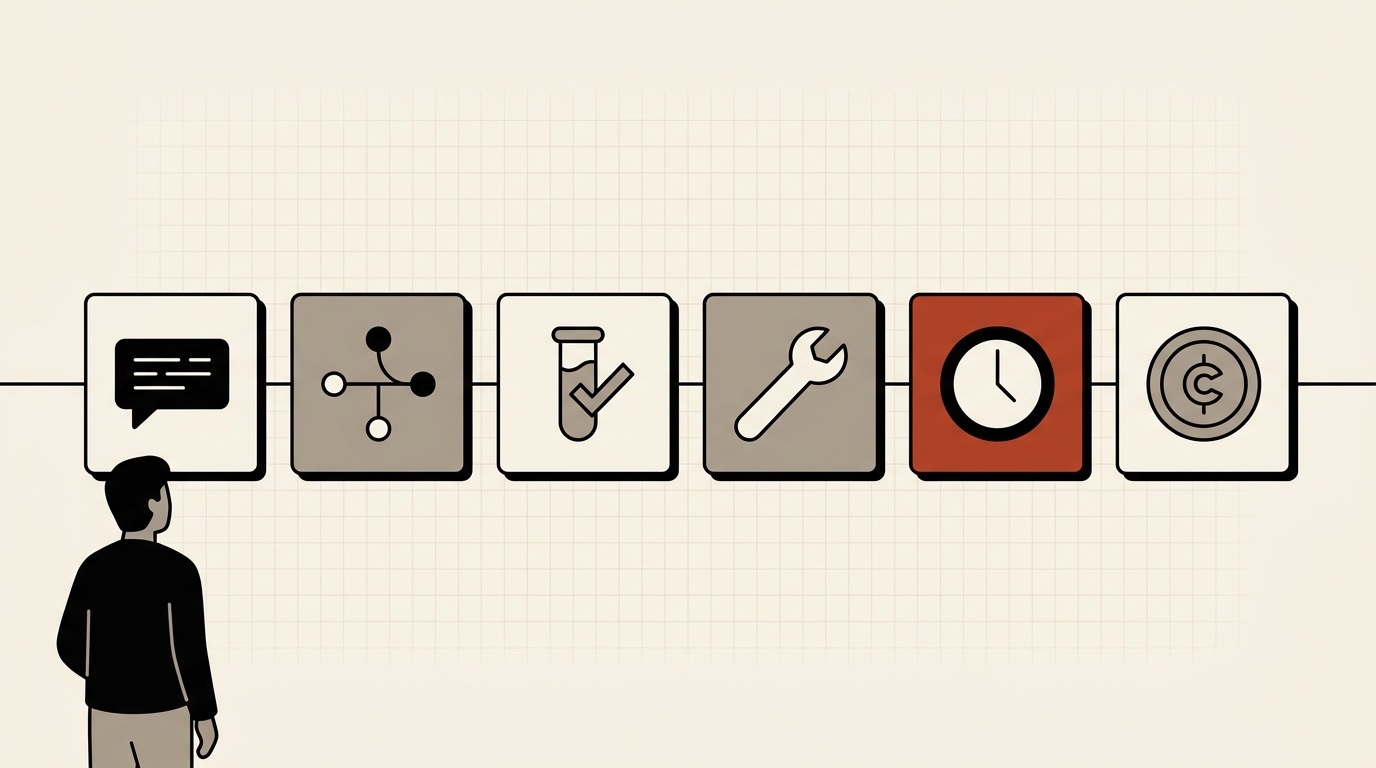
You can see six things as they happen: the prompts the candidate types, the commits they make, the test runs, the tools the agent uses, the time spent and the API cost. Read together, they show two habits that matter most when someone works with an agent: supervision (are they steering while it works) and verification (do they check what comes back).
This post is about watching that feed during the session. If you want to read the finished record afterwards, I covered that in what interviewers can see when a candidate directs an AI agent. For the wider interview format and a rubric, see how to interview developers who work with AI agents.
What does the live view show?
In the kodwai hiring track, the candidate solves your interview project on their own machine in Claude Code. You watch the session from your side. The feed has six parts, and each one answers a different question.
Prompts. What did they ask for, and how specific was it? A first prompt that names a piece of the problem, a constraint and a way to tell it worked is a different session from one that pastes in the whole ticket.
Commits. How often does the work get saved? Small commits tell you the candidate is breaking the problem into steps. One large commit near the end tells you the steps were not there, or were not visible.
Test runs. When do the tests run, and what happens right after a failure? This is the most useful part of the feed, and the next two sections are about it.
Tools. Which tools the agent reaches for while it works. If it is editing files, running commands or reading the codebase, you can see that as it happens.
Time. How long each stretch takes, measured against the limit you set for the interview.
API cost. A rough measure of how much work the agent is doing. It is not a score. It is useful for comparing candidates on the same project, and for noticing a session where very little human input produced a lot of agent activity.
How do you read supervision from a live feed?
You cannot see where the candidate is looking. You can see rhythm.
A candidate who supervises sends a prompt, then something happens on their side before the next one: a test run, a commit, a narrower follow-up that clearly responds to what the agent just did. The prompts build on each other.
A candidate who delegates sends a large prompt and the feed goes quiet while the agent works. When it ends, the next event is the next large prompt, or a commit with no test run in between. Nothing in that sequence shows a decision.
Neither pattern proves anything alone. Someone may be reading a diff carefully and leave no trace. That is why the live view works best when you can also ask a question. If the feed has been quiet for a few minutes, ask what they are looking at. The answer tells you whether it was reading or waiting.
How do you read verification?
Look at the order of events, not just whether the tests pass. Passing tests is necessary but not sufficient.
Good verification looks like this: the agent changes something, the tests run, a failure or a gap shows up, and the next prompt is about that failure. Better still, the candidate asks for a test the agent did not write, for the edge case the ticket hints at but does not spell out.
Weak verification looks like this: a run of commits with no tests between them, then one test run at the end. Or a failure followed by the same prompt sent again, hoping for a different answer.
What should you ask while the session is running?
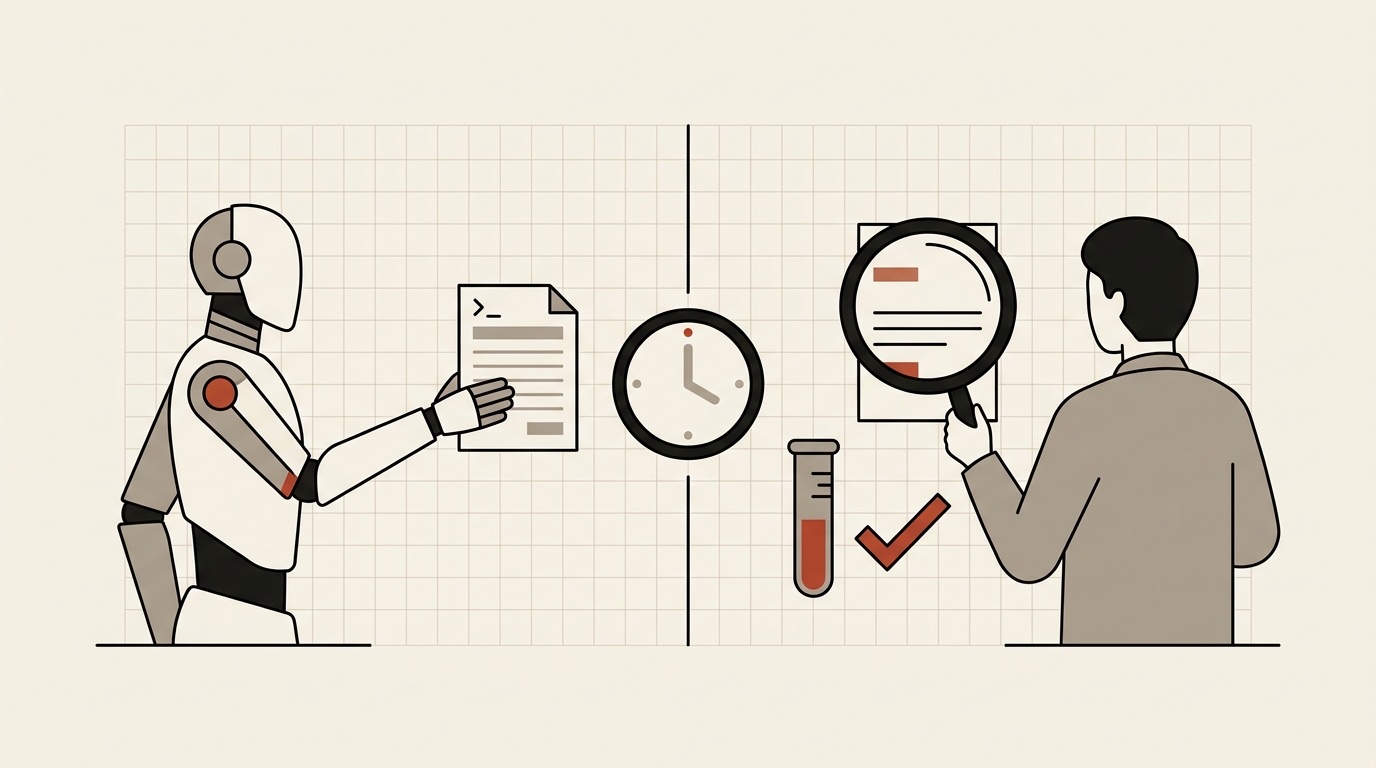
The live feed gives you a reason to ask a specific question instead of a generic one. A few that work:
- "I see you committed before running the tests. What were you expecting?"
- "The agent just touched a file you did not mention. Did you plan for that?"
- "That test failed twice. What did you change between the two runs?"
Keep it short and keep it neutral. You are collecting evidence, not applying pressure. The candidate's answer, set next to the feed, is a better signal than either one alone.
Also use the limits you can set on an interview. Time, budget and tool limits are set per interview, so every candidate works under the same conditions and the feed is comparable.
What does the live view not show?
It does not replace a conversation. Reading leaves no trace, quiet time is ambiguous, and a candidate who is less familiar with Claude Code will spend some of the clock on the tool itself. Weigh timings with that in mind.
kodwai also does not have video or scrubber playback. What you get is the record of events described above, not a recording of the screen.

What happens after the session?
kodwai scores the session with AI against your team's own rubric for the role. Each dimension gets a score from 0 to 10 with a written justification, plus strengths and weaknesses. Your interviewers add their own scores and comments, and you can compare candidates side by side.
That hiring rubric is separate from the public developer score, which is calibrated 0 to 100 across three axes: Direction (how you steer, verify and decompose), Outcome, and Lift. Do not read one as the other.
How does this compare with Codility?
Codility is the established name here, and it handles AI in interviews too. Its AI Copilot runs inside Codility's own VSCode-based interview environment, with chat, agent and auto-complete modes. According to Codility's own page, which I read on 2026-10-22, interviewers can limit the modes or turn the assistant off during a session, can watch how candidates use AI, and the prompts and transcripts are saved in the post-interview report. Its homepage puts its position this way: "The real question is not whether someone uses AI tools. It is whether they can build with them."
The difference is where the work happens. With Codility's AI Copilot the candidate works in Codility's environment. With kodwai the candidate works in Claude Code on their own machine, the way they would on the job. If your team already runs its interviews in Codility, that single environment is a real advantage. If you want to see how a candidate drives the agent they actually use, that is what we built kodwai for.
kodwai is small, and some things are not built: ATS integrations, scheduling and public pricing are not there today. Reach out and we will get your team set up.
Where to start
Pick one interview project with more than one file and at least one real constraint. Run it with a colleague as the candidate and watch the feed yourself. It is a quick way to find out which of these six signals your team would actually use.
If you want to try the hiring track, the details are on the hiring page, or write to hakan@kodwai.com.
try it yourself
Reading about it is the easy part.