How do you practice coding with an AI coding agent?
Pick a ticket-sized task with tests, write the spec first, work in small steps and check each one. Here is what a score of how you direct the agent measures.

How do you practice coding with an AI coding agent?
Take a ticket-sized task that has tests, write down what you want before your first prompt, work in small steps, check each step, and read your git history when you finish. A score of how you directed the agent tells you which of those habits to fix next. On kodwai that score has three axes: Direction, Outcome and Lift.
kodwai is a platform where developers solve real coding challenges on their own machine with their own AI coding agent (Claude Code, Cursor, or Codex) and get scored on how well they direct the agent, across three axes: Direction, Outcome, and Lift.
The rest of this post covers what counts as practice, the habits worth drilling, what a direction score measures and what it cannot tell you.
What counts as practice with an agent?
Practice needs four things: a task with a written spec, something that checks your work (tests), a time limit, and a record you can read afterwards. Without the last one you cannot see what you did, only what came out.
An AI coding challenge is a task you solve with an agent. It is different from an algorithm drill in a browser editor, which tests what you remember. Here the question is how you brief the agent, how you check what it hands back, and what you do when it goes the wrong way. If you want a longer list of what to look for in a platform, I wrote a guide to what a platform for them should measure.
Which habits are worth practicing?
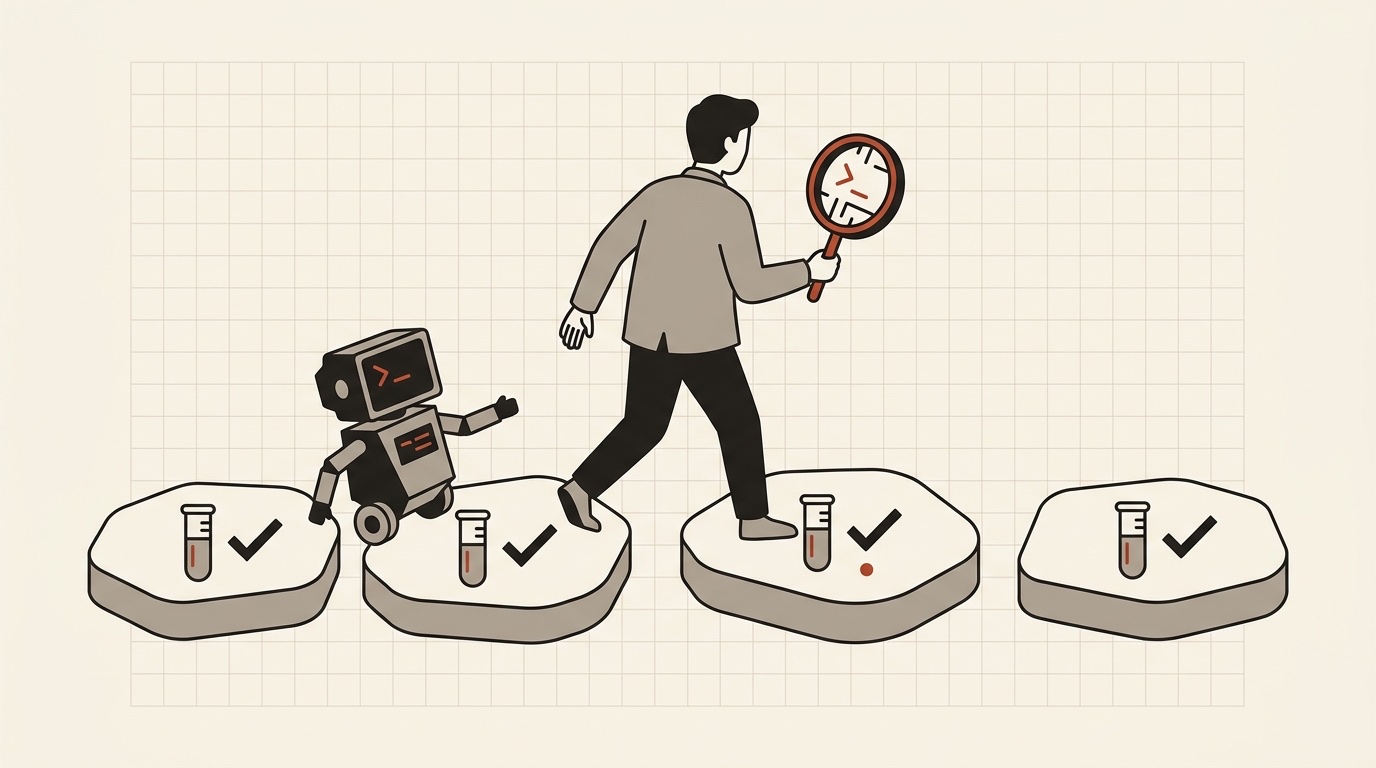
These six are the Direction signals on kodwai, and they also work as a checklist for any session with any agent. Pick one per session and make it the thing you watch.

Write the spec first (Spec Precision). State the requirements and constraints before you write code. Drill: before the first prompt, write the inputs, outputs, error cases and anything the ticket only hints at. Paste that in as your first message.
Split the work (Decomposition). Break the problem into ordered steps instead of one giant prompt. Drill: list the steps on paper, then give the agent one at a time. Each step should be small enough that you can say what done looks like.
Check every step (Verification Rigor). Read what the agent produced, run the tests, and push back when it is wrong. Drill: run the tests after each step and read the diff before you move on. Ask for one test the agent did not write, for an edge case the spec hints at.
Catch drift early (Recovery). When the agent goes down the wrong path, redirect it. Drill: when output looks off, stop and say what is wrong in one sentence. If the same prompt failed once, change it before you send it again.
Compare with the ask (Intent Fidelity). The final solution should match what you asked for. Drill: before you call it done, reread your spec and tick each requirement against the code.
Stay in the loop (Engagement). Iterate instead of pasting the spec and walking away. Drill: if the agent has been running a while and you have not looked at anything, look.
What does a score of how you direct the agent measure?
kodwai's AI Collaboration Score for coding agents is a 0 to 100 score for one coding session with an AI coding agent (Claude Code, Cursor, or Codex) that measures how well the developer directed the agent, across three axes: Direction, Outcome, and Lift.
It is built from 11 signals:
| Axis | What it asks | Signals |
|---|---|---|
| Direction | How you steer, verify, and decompose. | Spec Precision, Verification Rigor, Decomposition, Recovery, Intent Fidelity, Engagement |
| Outcome | What shipped, replayed and stress-tested to prove it holds. | Tests, Code Quality, Complexity |
| Lift | How far you beat a solo AI, not just that you passed. | Edge-Case Coverage, Lift over AI |
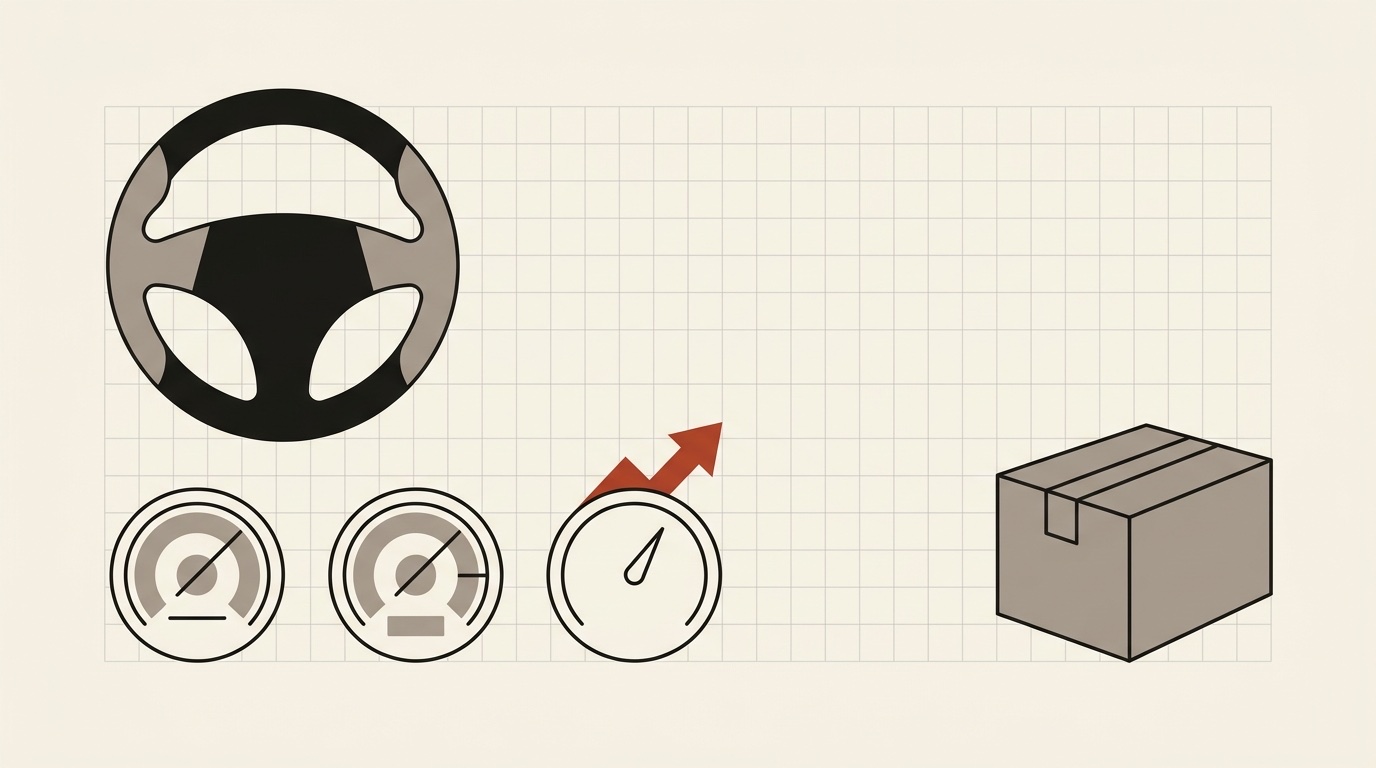
In the default profile Direction is worth 50 points, Outcome 35 and Lift 15. Other challenges use other splits, and a challenge with its own rubric scores Direction, a Challenge Rubric axis and Lift. So the safe summary is that Direction carries the most weight. It is the part a careless prompt cannot fake.
Passing tests is necessary but not sufficient. A one-shot "solve this" prompt can clear the tests, which is why tests are one signal inside Outcome and not the whole score. Every signal cites its own evidence from your transcript, commits and test runs, and your score comes with a confidence interval instead of false precision.
The full definition and the signal descriptions are on the score definition page.
What can a score not tell you?
It describes one session on one challenge. A single result is a data point, not a verdict on you as an engineer, and the confidence interval is there to remind you of that. Read the signal breakdown and the cited evidence, not just the headline number.
It also does not replace knowing how to read code. The agent writes a lot of it, and the habits above only help if you can tell when the output is wrong.
How do you run a practice session this week?
Start with the starter challenge. bookshelf-rest-api is easy, backend and 60 minutes. The brief is to build a small REST API from scratch with CRUD, filters, validation, persistence and a test suite. You need Node.js 20+ and git.
npx @kodwai/cli@latest challenge bookshelf-rest-api
The CLI signs you in through the browser if needed, asks which agent you will use, downloads PROBLEM.md, starter files and tests, sets up a git repo and starts the timer. You solve it in your own terminal and editor with your own agent. There is no browser sandbox. When you are done, from the challenge folder:
npx @kodwai/cli@latest submit
That packages your code, git history, test runs, the agent transcript and the time you took. The CLI only collects from the challenge workspace, nothing from your other projects.
A plan that works:
- Before the timer matters, write the spec and the step list. Do it on the clock if you want the practice to be honest.
- Pick one habit from the list above and watch only that one.
- Submit, then read the signal breakdown. Find the lowest signal.
- Make that signal your habit for the next challenge, and choose one from the challenge list or the starter challenge page.
Every account gets 3 free submissions scored on kodwai's own Anthropic key. After that you connect your own Anthropic API key in Settings for unlimited submissions. The key is encrypted at rest and only used to score your own work. Solving challenges, the score, the public profile and the leaderboard are free for developers. Because the free ones are limited, treat the first as your baseline and spend the others on purpose.
If you have a classic algorithm round coming up, kodwai vs LeetCode says where LeetCode is the better practice. If your next round allows an agent, or you want to get better at the way you already write code, practice that directly.
For the longer walk-through of the two commands and how the session is scored, see how to practice coding challenges with your AI coding agent.
try it yourself
Reading about it is the easy part.